---
title: Markit_v2
emoji: 📄
colorFrom: blue
colorTo: indigo
sdk: gradio
sdk_version: 5.14.0
app_file: app.py
build_script: build.sh
startup_script: setup.sh
pinned: false
hf_oauth: true
---
# Document to Markdown Converter with RAG Chat
**Author: Anse Min** | [🤗 Hugging Face Space](https://huggingface.co/spaces/Ansemin101/Markit_v2) | [GitHub](https://github.com/ansemin/Markit_v2) | [LinkedIn](https://www.linkedin.com/in/ansemin/)
A powerful Hugging Face Space that converts various document formats to Markdown and enables intelligent chat with your documents using advanced RAG (Retrieval-Augmented Generation).
## 🎥 Demo Video
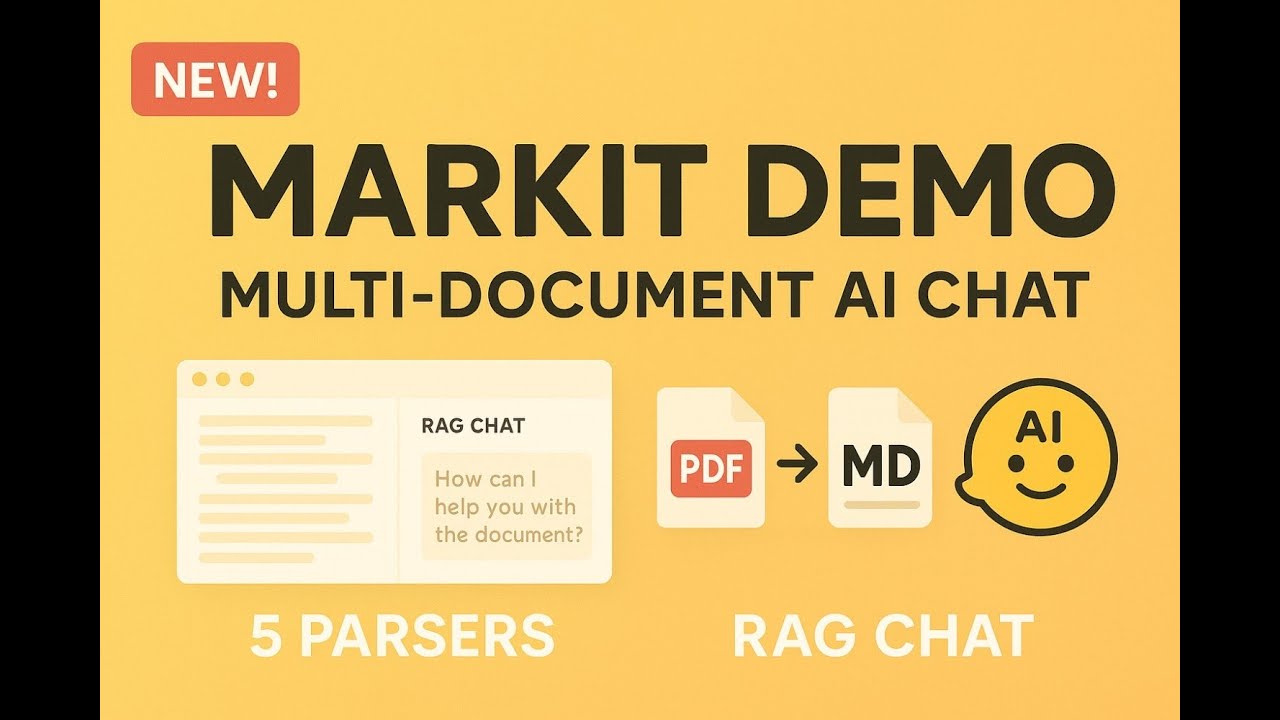
**[▶️ Watch Full Demo (YouTube)](https://www.youtube.com/watch?v=PmXu3Si6hXo)**
*Complete walkthrough of Markit's flagship features including multi-document processing, RAG chat, and advanced retrieval strategies*
Table of contents
- [Demo Video](#-demo-video)
- [Live Demos](#-live-demos)
- [System Overview](#-system-overview)
- [Environment Setup](#-environment-setup)
- [Local Development](#-local-development)
- [Technical Details](#-technical-details)
## 🎬 Live Demos
### 1. Multi-Document Processing (Flagship Feature)
**What it does:** Process up to 5 files simultaneously (20MB combined) with 4 intelligent processing types:
- **🔗 Combined**: Merge documents with smart duplicate removal
- **📑 Individual**: Separate sections per document with clear organization
- **📈 Summary**: Executive overview + detailed analysis of all documents
- **⚖️ Comparison**: Cross-document analysis with similarities/differences tables
**Why it matters:** Industry-leading multi-document processing that compares and contrasts information across different files, handles mixed file types seamlessly, and recognizes relationships across document boundaries.
.png)
*Industry-leading multi-document processing with 4 intelligent processing types*
### 2. Single Document Conversion Flow
**What it does:** Convert PDFs, Office documents, images, and more to Markdown using 5 powerful parsers:
- **Gemini Flash**: AI-powered understanding with high accuracy
- **Mistral OCR**: Fastest processing with document understanding
- **Docling**: Open source with advanced PDF table recognition
- **GOT-OCR**: Mathematical/scientific documents to LaTeX
- **MarkItDown**: High accuracy for CSV/XML and broad format support
**Why it matters:** Perfect table preservation creates enhanced markdown tables for superior RAG context, unlike standard PDF text extraction.
.png)
*Choose the right parser for your specific needs and document types*
### 3. RAG Chat System in Action
**What it does:** Chat with your converted documents using 4 advanced retrieval strategies:
- **🎯 Similarity**: Traditional semantic similarity using embeddings
- **🔀 MMR**: Diverse results with reduced redundancy
- **🔍 BM25**: Traditional keyword-based retrieval
- **🔗 Hybrid**: Combines semantic + keyword search (recommended)
**Why it matters:** Ask for markdown tables in chat responses (impossible with standard PDF RAG), get streaming responses with document context, and easily clear data directly from the interface.
.png)
*Advanced RAG system with 4 retrieval strategies for optimal document search*
### 4. Query Ranker Analysis
**What it does:** Interactive document search with:
- **Real-time ranking** of document chunks with confidence scores
- **Method comparison** to test different retrieval strategies
- **Adjustable results** (1-10) with responsive slider control
- **Transparent scoring** with actual ChromaDB similarity scores
**Why it matters:** Provides complete transparency into how your RAG system finds and ranks information, helping you optimize retrieval strategies.
### 5. GOT-OCR LaTeX Processing
**What it does:** Advanced LaTeX processing for mathematical and scientific documents:
- **Native LaTeX output** with no LLM conversion for maximum accuracy
- **Mathpix rendering** using the same library as official GOT-OCR demo
- **RAG-compatible chunking** that preserves LaTeX structures and mathematical tables
- **Professional display** with proper mathematical formatting
**Why it matters:** Perfect for research papers, scientific documents, and academic content with complex equations and structured data.
## 🎯 System Overview
.png)
*Complete workflow from document upload to intelligent RAG chat interaction*
## 🔧 Environment Setup
### Required API Keys
```bash
GOOGLE_API_KEY=your_gemini_api_key_here # For Gemini Flash parser and RAG chat
OPENAI_API_KEY=your_openai_api_key_here # For embeddings and AI descriptions
MISTRAL_API_KEY=your_mistral_api_key_here # For Mistral OCR parser (optional)
```
### Key Configuration Options
```bash
DEBUG=true # Enable debug logging
MAX_FILE_SIZE=10485760 # 10MB per file limit
MAX_BATCH_FILES=5 # Maximum files for multi-document processing
MAX_BATCH_SIZE=20971520 # 20MB combined limit for batch processing
CHUNK_SIZE=1000 # Document chunk size for Markdown content
RETRIEVAL_K=4 # Number of documents to retrieve for RAG
```
## 🚀 Local Development
### Quick Start
```bash
# Clone repository
git clone https://github.com/ansemin/Markit_v2
cd Markit_v2
# Create environment file
cp .env.example .env
# Edit .env with your API keys
# Install dependencies
pip install -r requirements.txt
# Run application
python app.py # Full environment setup (HF Spaces compatible)
python run_app.py # Local development (faster startup)
python run_app.py --clear-data-and-run # Testing with clean data
```
### Data Management
**Two ways to clear data:**
1. **UI Method**: Chat tab → "🗑️ Clear All Data" button (works in both local and HF Space)
2. **CLI Method**: `python run_app.py --clear-data-and-run`
**What gets cleared:** Vector store embeddings, chat history, and session data
## 🔍 Technical Details
### Retrieval Strategy Performance
| Method | Best For | Accuracy |
|--------|----------|----------|
| **🎯 Similarity** | General semantic questions | Good |
| **🔀 MMR** | Diverse perspectives | Good |
| **🔍 BM25** | Exact keyword searches | Medium |
| **🔗 Hybrid** | Most queries (recommended) | **Excellent** |
### Core Technologies
- **Parsers**: Gemini Flash, Mistral OCR, Docling, GOT-OCR, MarkItDown
- **RAG System**: OpenAI embeddings + ChromaDB vector store + Gemini 2.5 Flash
- **UI Framework**: Gradio with modular component architecture
- **GPU Support**: ZeroGPU integration for HF Spaces
### Smart Content-Aware Chunking
- **Markdown chunking**: Preserves tables and code blocks
- **LaTeX chunking**: Preserves mathematical tables, environments, and structures
- **Automatic format detection**: Optimal chunking strategy per document type
## Credits
- [MarkItDown](https://github.com/microsoft/markitdown) by Microsoft
- [Docling](https://github.com/DS4SD/docling) by IBM Research
- [GOT-OCR](https://github.com/stepfun-ai/GOT-OCR-2.0) by StepFun
- [Mathpix Markdown](https://github.com/Mathpix/mathpix-markdown-it) for LaTeX rendering
- [Gradio](https://gradio.app/) for the UI framework
---
**🚀 [Try it live on Hugging Face Spaces](https://huggingface.co/spaces/Ansemin101/Markit_v2)** 


