
LeRobot documentation
Meta-World
Meta-World
Meta-World is an open-source simulation benchmark for multi-task and meta reinforcement learning in continuous-control robotic manipulation. It bundles 50 diverse manipulation tasks using everyday objects and a common tabletop Sawyer arm, providing a standardized playground to test whether algorithms can learn many different tasks and generalize quickly to new ones.
- Paper: Meta-World: A Benchmark and Evaluation for Multi-Task and Meta Reinforcement Learning
- GitHub: Farama-Foundation/Metaworld
- Project website: metaworld.farama.org
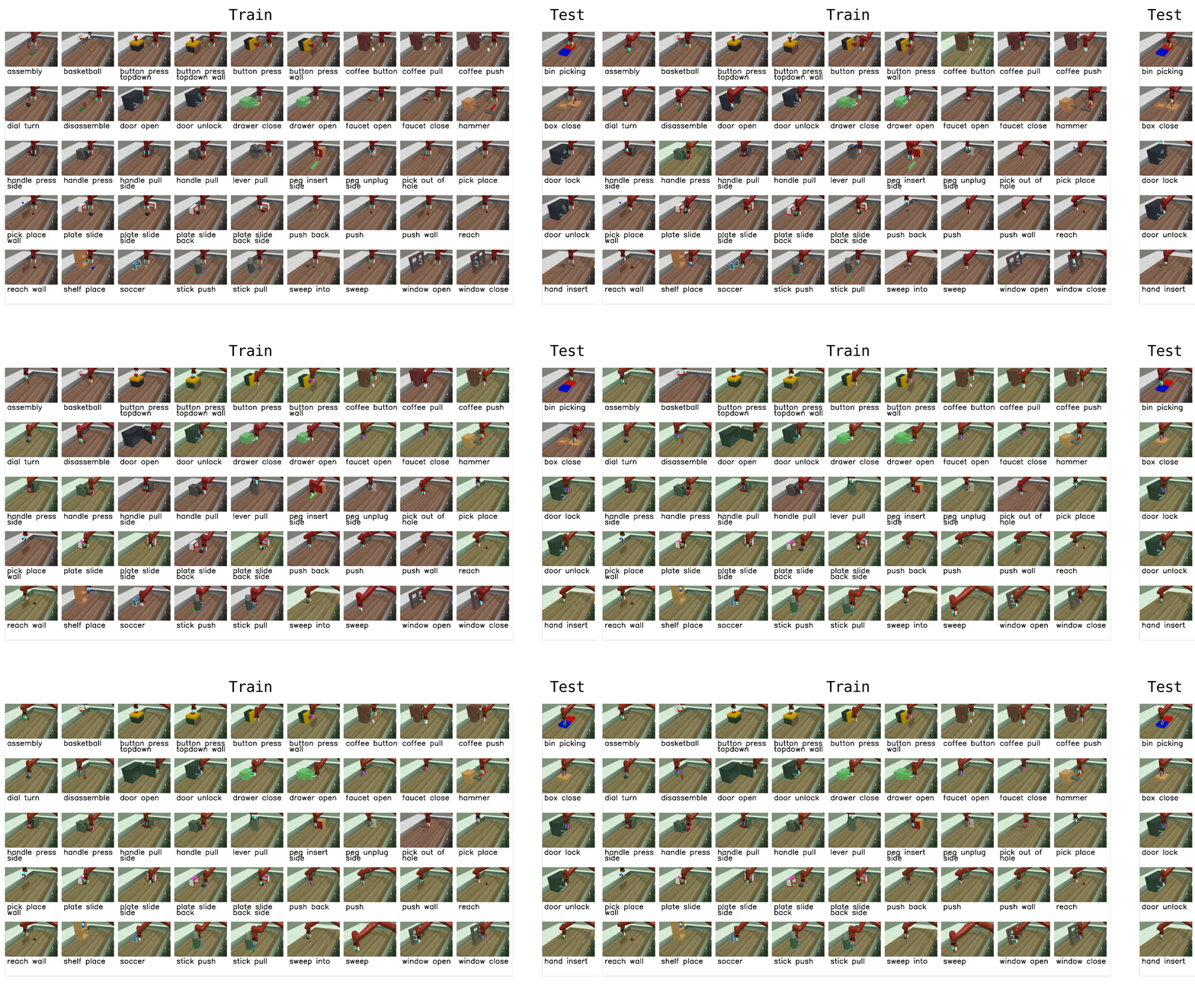
Available tasks
Meta-World provides 50 tasks organized into difficulty groups. In LeRobot, you can evaluate on individual tasks, difficulty groups, or the full MT50 suite:
| Group | CLI name | Tasks | Description |
|---|---|---|---|
| Easy | easy | 28 | Tasks with simple dynamics and single-step goals |
| Medium | medium | 11 | Tasks requiring multi-step reasoning |
| Hard | hard | 6 | Tasks with complex contacts and precise manipulation |
| Very Hard | very_hard | 5 | The most challenging tasks in the suite |
| MT50 (all) | Comma-separated list | 50 | All 50 tasks — the most challenging multi-task setting |
You can also pass individual task names directly (e.g., assembly-v3, dial-turn-v3).
We provide a LeRobot-ready dataset for Meta-World MT50 on the HF Hub: lerobot/metaworld_mt50. This dataset is formatted for the MT50 evaluation that uses all 50 tasks with fixed object/goal positions and one-hot task vectors for consistency.
Installation
After following the LeRobot installation instructions:
pip install -e ".[metaworld]"If you encounter an `AssertionError: ['human', 'rgb_array', 'depth_array']` when running Meta-World environments, this is a mismatch between Meta-World and your Gymnasium version. Fix it with:pip install "gymnasium==1.1.0"
Evaluation
Default evaluation (recommended)
Evaluate on the medium difficulty split (a good balance of coverage and compute):
lerobot-eval \
  --policy.path="your-policy-id" \
  --env.type=metaworld \
  --env.task=medium \
  --eval.batch_size=1 \
  --eval.n_episodes=10
Single-task evaluation
Evaluate on a specific task:
lerobot-eval \
  --policy.path="your-policy-id" \
  --env.type=metaworld \
  --env.task=assembly-v3 \
  --eval.batch_size=1 \
  --eval.n_episodes=10
Multi-task evaluation
Evaluate across multiple tasks or difficulty groups:
lerobot-eval \
  --policy.path="your-policy-id" \
  --env.type=metaworld \
  --env.task=assembly-v3,dial-turn-v3,handle-press-side-v3 \
  --eval.batch_size=1 \
--eval.n_episodes=10--env.taskaccepts explicit task lists (comma-separated) or difficulty groups (e.g.,easy,medium,hard,very_hard).--eval.batch_sizecontrols how many environments run in parallel.--eval.n_episodessets how many episodes to run per task.
Policy inputs and outputs
Observations:
observation.image— single camera view (corner2), 480x480 HWC uint8observation.state— 4-dim proprioceptive state (end-effector position + gripper)
Actions:
- Continuous control in
Box(-1, 1, shape=(4,))— 3D end-effector delta + 1D gripper
Recommended evaluation episodes
For reproducible benchmarking, use 10 episodes per task. For the full MT50 suite this gives 500 total episodes. If you care about generalization, run on the full MT50 — it is intentionally challenging and reveals strengths/weaknesses better than a few narrow tasks.
Training
Example training command
Train a SmolVLA policy on a subset of Meta-World tasks:
lerobot-train \
  --policy.type=smolvla \
  --policy.repo_id=${HF_USER}/metaworld-test \
  --policy.load_vlm_weights=true \
  --dataset.repo_id=lerobot/metaworld_mt50 \
  --env.type=metaworld \
  --env.task=assembly-v3,dial-turn-v3,handle-press-side-v3 \
  --output_dir=./outputs/ \
  --steps=100000 \
  --batch_size=4 \
  --eval.batch_size=1 \
  --eval.n_episodes=1 \
  --eval_freq=1000
Practical tips
- Use the one-hot task conditioning for multi-task training (MT10/MT50 conventions) so policies have explicit task context.
- Inspect the dataset task descriptions and the
info["is_success"]keys when writing post-processing or logging so your success metrics line up with the benchmark. - Adjust
batch_size,steps, andeval_freqto match your compute budget.